Snap
Capture continuously or import existing site photos in a batch.
 Field Report
PUNCH LISTS · SITE INSPECTIONS · PHOTO REPORTS
Capture defects, dictate notes, mark up photos, and share a client-ready PDF from your iPhone or iPad—offline, without an account or monthly subscription.
ONE PASS, NOT TWO
Capture continuously or import existing site photos in a batch.
Dictate the issue, assign it, set its status, and mark up the photo.
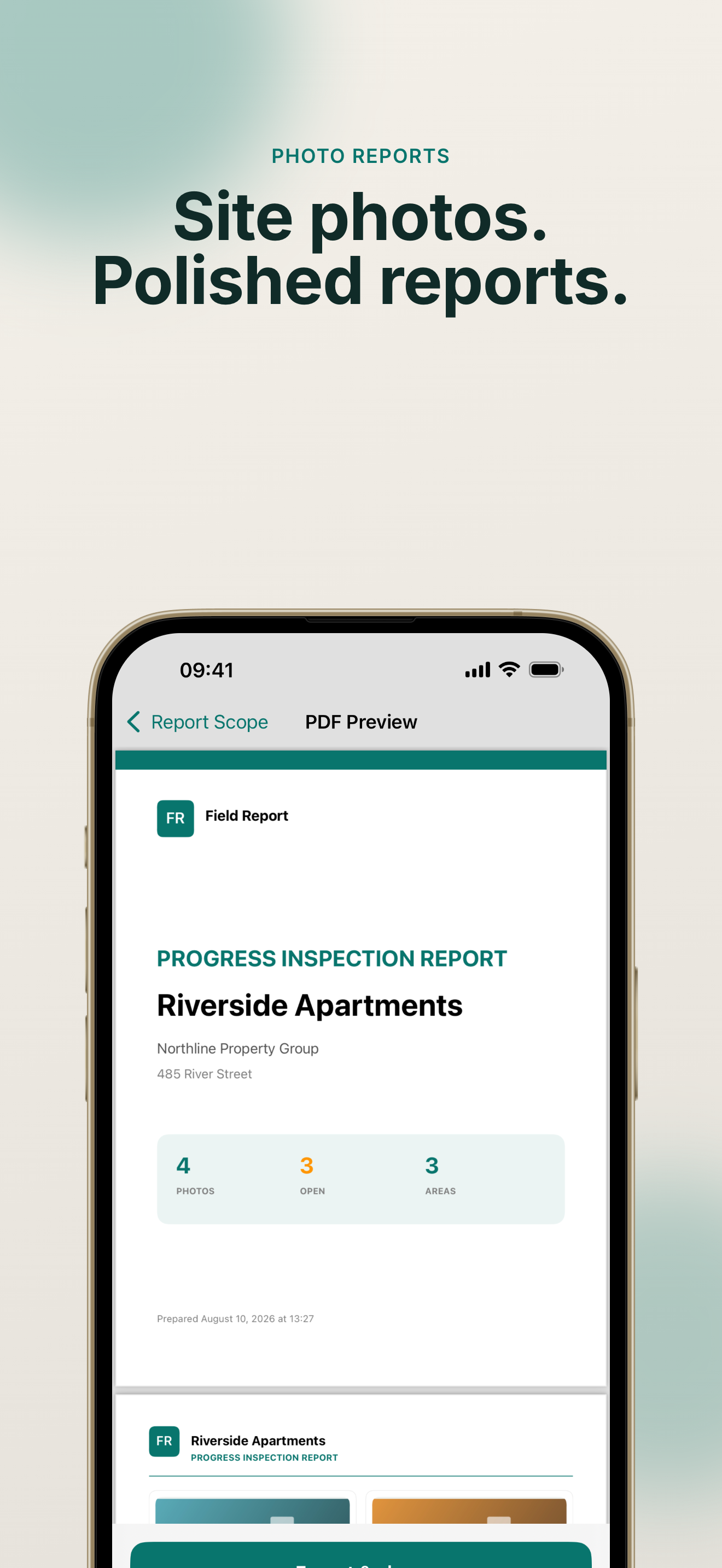
Preview a polished PDF and share it before you leave the jobsite.
BUILT FOR FIELD WORK
Keep walking without dismissing a confirmation screen after every shot.
Supported on-device dictation turns the latest observation into report text.
Organize by area, issue, assignee, and status, then report only what matters.
Add your company, logo, colours, layouts, headers, footers, and fields.
No account and no cloud upload of report content. You decide when to share.
Try the full report workflow free, then unlock Offline Pro without a subscription.
FIELD REPORT FOR IOS